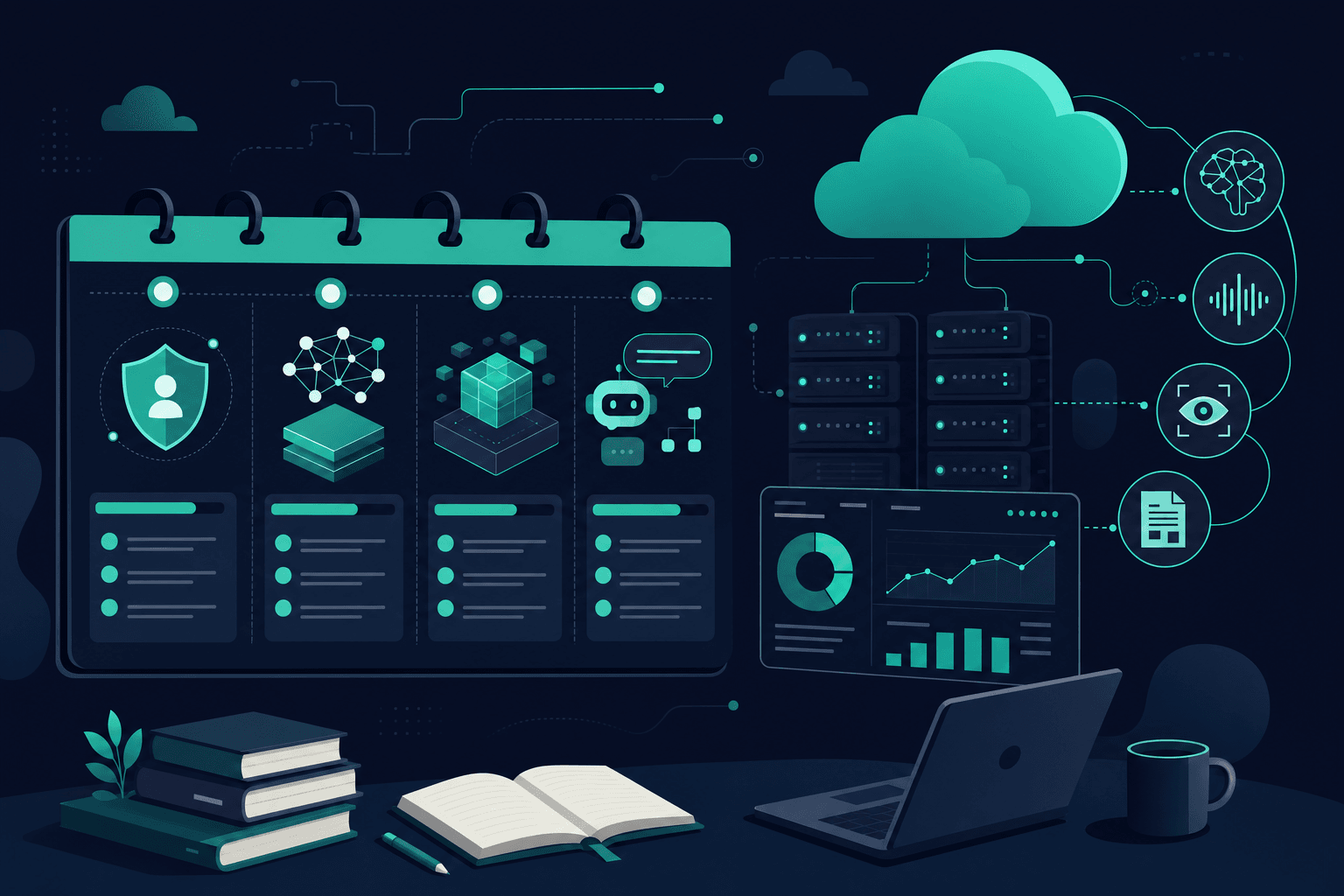
The AI-901 is a fundamentals exam, but you won't pass it just by reading definitions: more than half of the outline is about implementing with Microsoft Foundry. This plan spreads the official outline over 4 weeks, at 5 to 7 hours a week. If you already work with Azure or Python, you can compress it to 2 or 3 weeks.
Before you start: what you need
- Basic Python. Microsoft asks for it explicitly. You don't need to be a developer, but you do need to read a simple snippet: import a library, create a client, call a method, and read the response. If you've never used Python, spend a few hours on the basics before week 2.
- An Azure account to practice in the Foundry portal, or the AI-901 labs if you'd rather not use your own subscription.
- The official outline at hand. The two domains weigh 40–45% (concepts) and 55–60% (Foundry). You'll find the summary in the AI-901 guide.
Week 1: AI concepts (domain 1)
This is the foundation, and it's close to half the exam. Goal: recognize each concept in a scenario.
- Responsible AI: Microsoft's six principles (fairness, reliability and safety, privacy and security, inclusiveness, transparency, and accountability). The exam gives you a case and asks which principle is at stake.
- How generative models work: tokens, inference parameters such as temperature, and hallucinations.
- Choosing a model and deployment: which model fits based on its capabilities (text, image, multimodal) and which deployment and configuration options it has.
- Workloads: generative AI and agents, text analysis (key phrases, entities, sentiment, summaries), speech (recognition and synthesis), vision, and information extraction.
End of the week: take the practice exam demo. The score doesn't matter: it shows you which domain is hardest for you.
Week 2: Foundry, prompts, models, and agents
The hands-on domain starts. Goal: have done each task at least once.
- Prompts: the difference between system and user prompts, and how to write an effective one (role, context, output format, examples).
- Deploy a model from the Foundry catalog and test it in the portal playground.
- Chat client with the Foundry SDK: how it authenticates, how it sends messages, and how it reads the response. Read the code until you can explain every line.
- Agents: create and test an agent in the portal, give it instructions and tools, and connect it to a client app.
- Grounding and RAG vs fine-tuning: when to connect the model to your data and when to retrain it. This is one of the most common mix-ups.
Week 3: text, speech, vision, and information extraction
The rest of the hands-on domain. Goal: know which Foundry tool to use in each case.
- Text: a simple app with text analysis.
- Speech: respond to spoken prompts with a multimodal model, and when to use Azure Speech in Foundry Tools (speech to text and text to speech).
- Vision: interpret images inside a prompt with a multimodal model and create new images with a generative model.
- Information extraction with Azure Content Understanding: documents and forms, images, audio, and video. Be clear on when a multimodal model is enough and when Content Understanding is the better fit.
End of the week: use the AI-901 deep dive to review the topics you were unsure about.
Week 4: practice exams and review
- A full practice exam under real conditions: no pauses and with the time limit.
- Review every mistake, not just the wrong answers: also the questions you got right by elimination.
- Review service and tool names with the cheat sheet, since the exam uses them to trip you up.
- Take a second practice exam midweek. If you consistently score above 75%, you're ready to book.
- Try Microsoft's exam sandbox to get to know the real exam interface.
The mistakes that make people fail most
- Studying with AI-900 material. It has a different structure and service names that are no longer used. Here's what changed from the AI-900 to the AI-901.
- Skipping the practice. Reading what Foundry does isn't enough: the exam asks about concrete deployment steps and code snippets.
- Mixing up RAG and fine-tuning. If the question talks about using your own data that changes often, it's almost always grounding or RAG.
- Memorizing the six principles without applying them. The exam doesn't ask for the list: it gives you a case and asks which one is being violated.
- Booking without measuring your level. If you fail, the retake costs the full price. Check how much the AI-901 costs before you pay.
Practice with Brains4Cloud
- Guide and deep dive for the current outline.
- Cheat sheet for the final review.
- Interactive labs without needing your own subscription.
- Practice exam with questions aligned with the April 2026 outline and an explanation for every option. Create your free account and start with the demo.
Frequently asked questions
How long does it take to pass the AI-901? At 5 to 7 hours a week, about 4 weeks. If you already use Azure or Python, 2 or 3 weeks can be enough.
Can I pass it without knowing how to code? It's harder. You won't write code on the exam, but you will see scenarios with SDKs and code snippets. Basic Python is enough.
What score do I need? 700 out of 1000.
Is there a free official practice test? Yes. Microsoft offers a free practice assessment on AI Skills Navigator. You need to sign in.
Practice AI-901 with realistic exams
Original questions with AI explanations on every mistake. Start free, no card required.